Title here
Summary here
The overview and action summary below are synced from the Sqyre application repository.
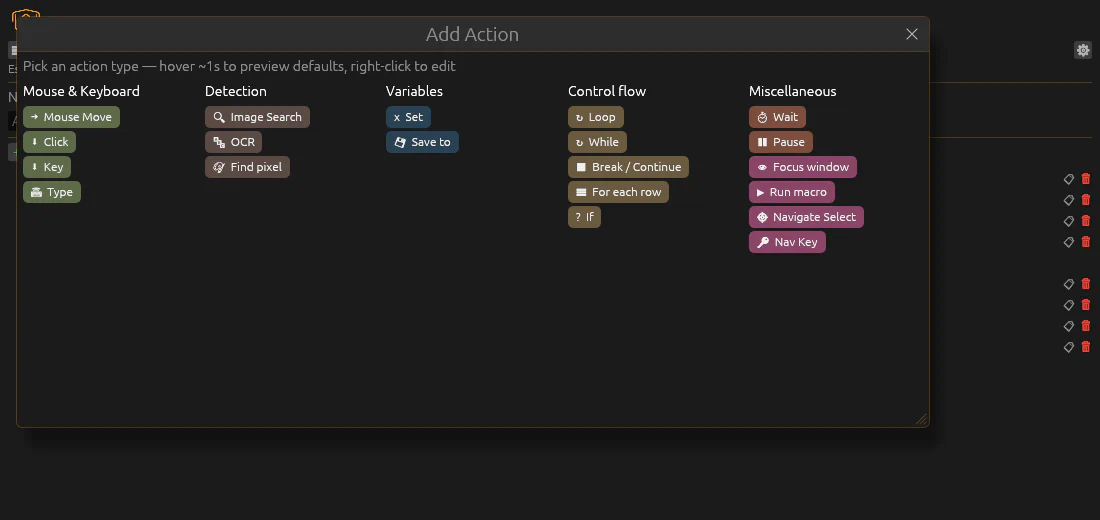
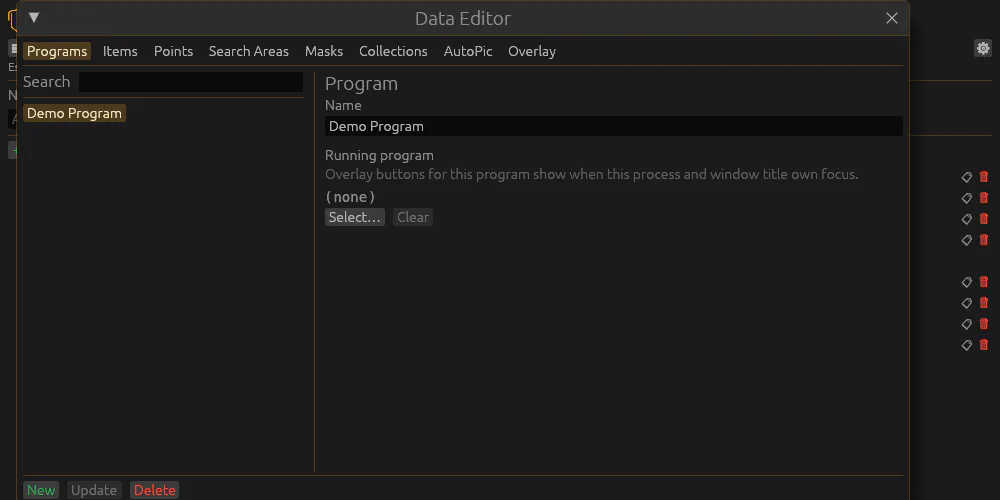
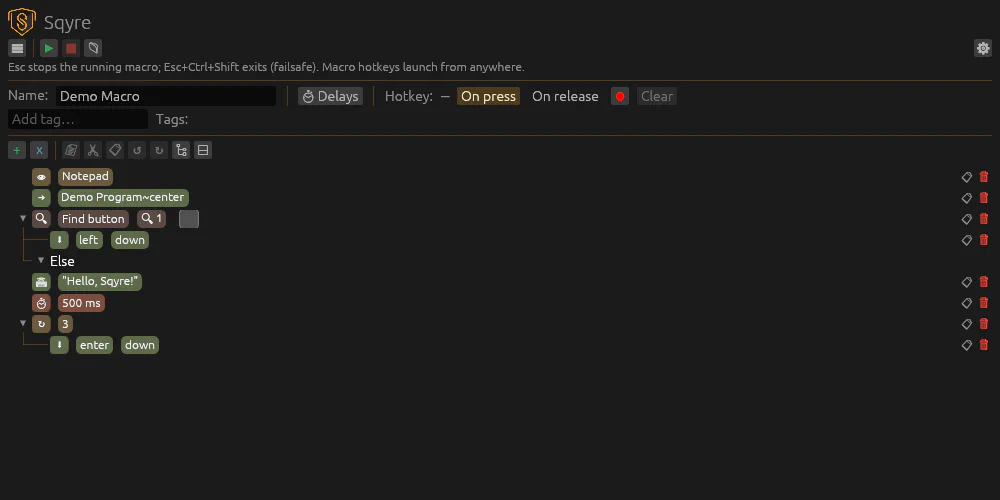
Sqyre lets you build and run macros without writing code. Each macro is a tree of actions: loops and branches for flow control, detection steps when the screen matters, and leaf actions for concrete input. Macros, images, masks, and data tables live under ~/.sqyre/ (config in db.yaml).
Platforms: Linux X11 (shipped). Windows .exe is released (GDI capture, window focus, selection outline, hotkeys; no MSI). macOS capture/focus and macOS releases are not shipped yet. WASM editor zip is released for browser editing.
| Category | Actions |
|---|---|
| Mouse & keyboard | Move, click, key, type |
| Detection | Image search (PureCV), OCR (Tesseract), find pixel |
| Variables | Set (values + expressions), save to file or clipboard |
| Control flow | Loop, while, break/continue, for each row, if |
| Miscellaneous | Wait, pause, focus window, run macro, navigate select/key |
Also in the app: data editor for reusable images, masks, and tabular sources; macro hotkeys (on press or release, including tag-scoped); zip backups of ~/.sqyre/; in-app auto-update from GitHub Releases (Linux/Windows); global delay per macro; runtime variable panel while a macro runs.
Stack:
egui · PureCV · Tesseract (leptess).
For how to use the window (toolbar, add/edit rules, copy/paste, execution), see Docs. For screenshots and the browser editor, see Demo.
These can contain child actions that run when the condition matches (see Docs for execution details).
Synced from the application repo.
Five columns — Mouse & Keyboard, Detection, Variables, Loop flow, and Miscellaneous: